24-Inch Monitor Dimensions: Width and Height in CM and Inches
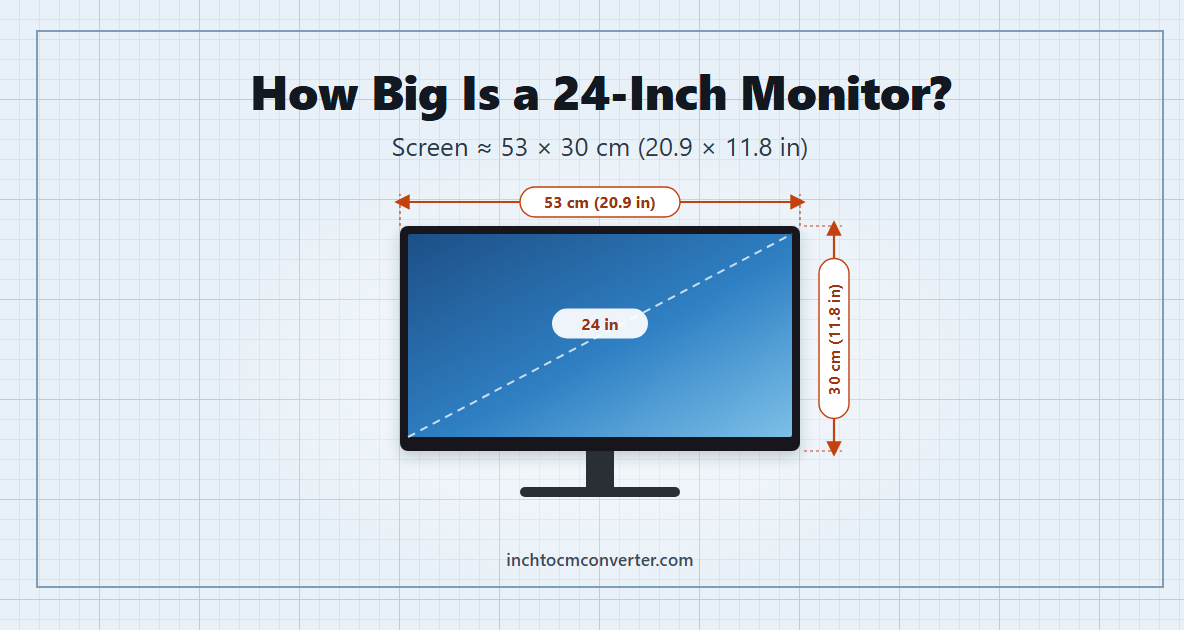
Quick answer: A 24-inch monitor (16:9) has a screen about 53 cm wide and 30 cm tall (20.9 x 11.8 inches). With the frame it measures roughly 54 x 32 cm, and with the stand it is about 40-52 cm tall and needs around 20 cm of desk depth. The “24 inches” is the diagonal of the screen, which is 61 cm.
| 24-inch monitor (16:9) | cm | inches |
|---|---|---|
| Screen diagonal | 61.0 | 24.0 |
| Screen width | 53.1 | 20.9 |
| Screen height | 29.9 | 11.8 |
| Width with frame (typical) | 54 | 21.3 |
| Desk depth with stand (typical) | 18-22 | 7-9 |
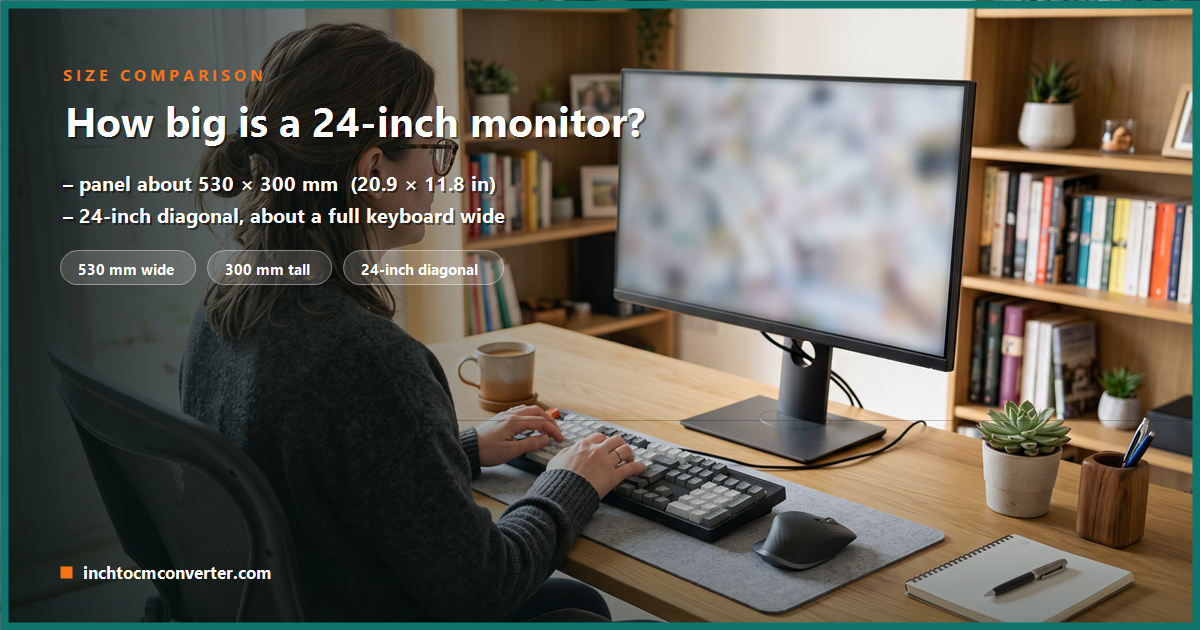
The 24-inch monitor is still the most popular desk screen size for office work, study and gaming. Because monitors are sold by their diagonal, though, it is not obvious how much desk it will actually take up. This guide gives the real width and height, explains how they are calculated, compares 24 inches with 22, 27 and 32-inch screens, and covers desk space, viewing distance and resolution.
Why a 24-inch monitor is 53 cm wide
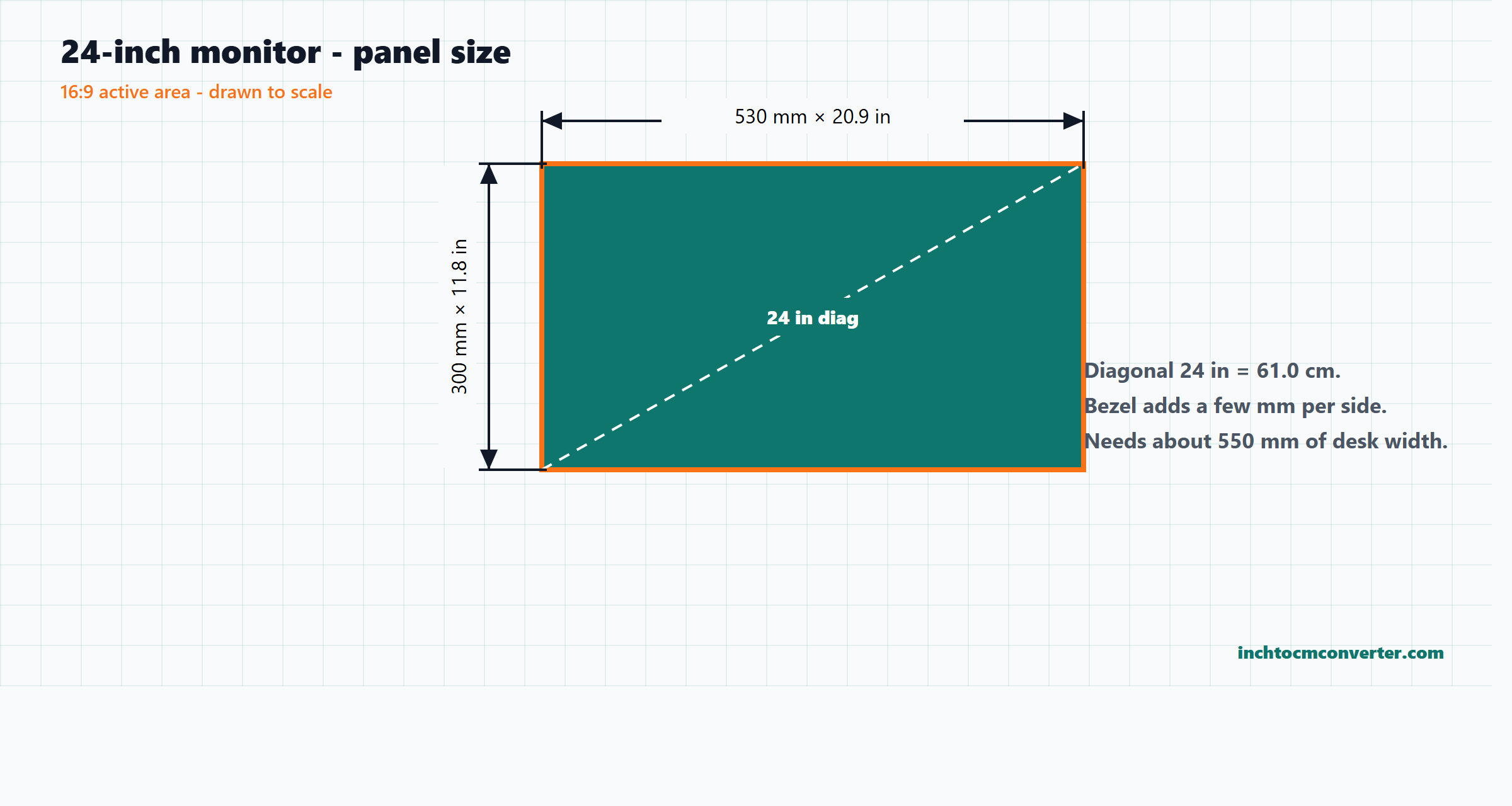
Screen sizes are measured corner to corner. To get the width and height you need the aspect ratio, which for almost all modern monitors is 16:9. Using Pythagoras:
- Width = diagonal × 16 ÷ √(16² + 9²) = 24 × 0.8716 = 20.92 in (531 mm).
- Height = diagonal × 9 ÷ √(16² + 9²) = 24 × 0.4903 = 11.77 in (299 mm).
Two details are worth knowing. First, many monitors sold as “24-inch” actually have a 23.8-inch viewable screen, about 527 x 296 mm, a few millimetres smaller. Second, some work-focused monitors use the taller 16:10 shape (1920 x 1200). A 24-inch 16:10 screen is about 517 mm wide and 323 mm tall – narrower but 2.4 cm taller, which gives more vertical space for documents.
24-inch monitor compared to other screen sizes
| Monitor size | Screen width | Screen height | Screen area vs 24-inch |
|---|---|---|---|
| 21.5 in (16:9) | 47.6 cm (18.7 in) | 26.8 cm (10.5 in) | 80% |
| 24 in (16:9) | 53.1 cm (20.9 in) | 29.9 cm (11.8 in) | 100% |
| 27 in (16:9) | 59.8 cm (23.5 in) | 33.6 cm (13.2 in) | 127% |
| 32 in (16:9) | 70.8 cm (27.9 in) | 39.8 cm (15.7 in) | 178% |
| 34 in ultrawide (21:9) | 79.6 cm (31.3 in) | 33.5 cm (13.2 in) | 168% |
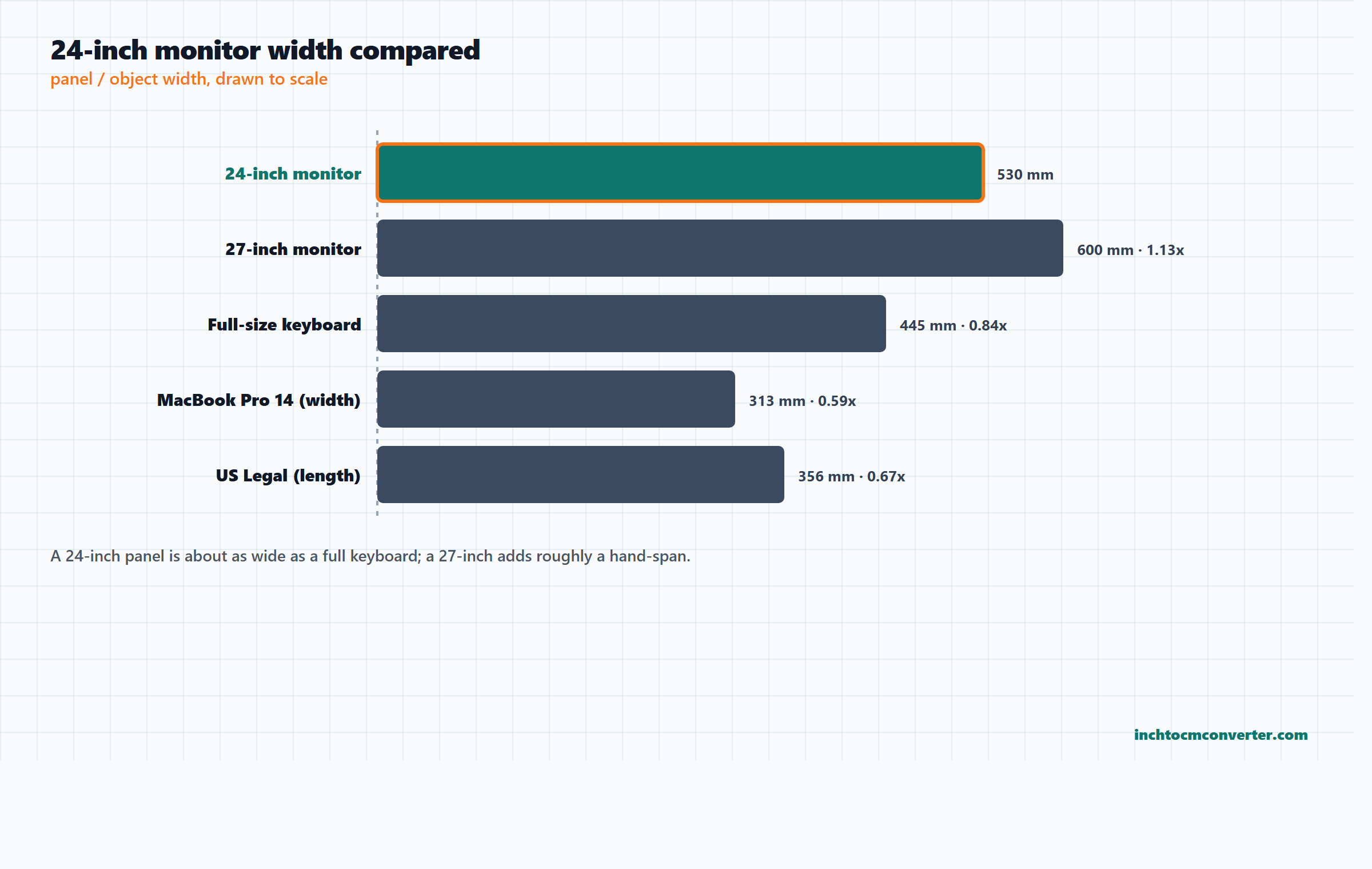
Going from 24 to 27 inches adds only about 7 cm of width, but 27% more screen area. That is why the 27-inch size is a popular upgrade, especially with a higher resolution.
24-inch monitor compared to everyday objects
- Keyboard: a full-size keyboard with a number pad is about 44-46 cm wide, so the monitor is roughly 8 cm wider than the keyboard in front of it.
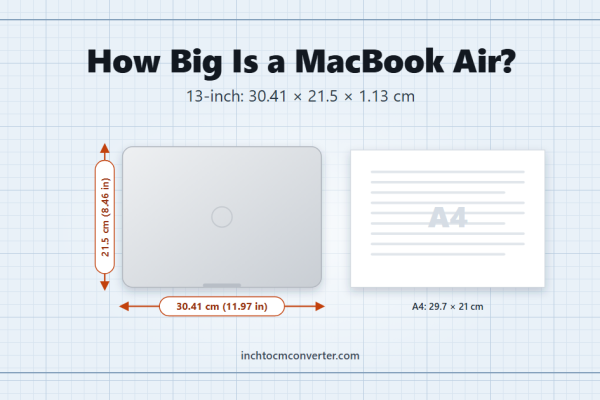
- Laptop: a 14-inch MacBook Pro is 31.3 cm wide, about 59% of the monitor’s width. See also how big a MacBook Air is.
- A4 paper: the screen’s height (29.9 cm) is almost exactly the long side of an A4 sheet (29.7 cm), so a full A4 page displayed at 100% just fits vertically. Two A4 sheets side by side (42 cm) are still 11 cm narrower than the screen.
- US Legal paper: the monitor is about 1.5 times as wide as a sheet of US Legal is long (35.6 cm).
- Ruler: the screen width is about 1.75 12-inch rulers.
How much desk space does a 24-inch monitor need?
- Width: allow about 55 cm (22 in) for one monitor, including the frame.
- Depth: a typical stand base needs 18-22 cm. With a keyboard in front and a comfortable viewing distance, a desk at least 60 cm deep works well, and 70-80 cm is more comfortable.
- Two monitors: two 24-inch screens side by side are about 108-110 cm wide. They fit on a 120 cm desk, but with little room to spare; a 140 cm or wider desk is more comfortable, especially if you angle the screens inward.
- Monitor arm: most 24-inch monitors have a 100 x 100 mm VESA mount. An arm removes the stand from the desk and frees almost all of the depth.
- Weight: most 24-inch monitors weigh about 3-5 kg with the stand.
Best viewing distance and resolution for 24 inches
A comfortable viewing distance for a 24-inch screen is about 60-80 cm (24-32 inches) – roughly an arm’s length. Set the top of the screen at or slightly below eye level so you look a little downward at the middle of the screen.
| Resolution on 24 inches | Pixel density | How it looks |
|---|---|---|
| 1920 x 1080 (Full HD) | 92 PPI | Standard; text is clear at normal distance |
| 2560 x 1440 (QHD) | 122 PPI | Noticeably sharper; more space for windows |
| 3840 x 2160 (4K) | 184 PPI | Very sharp; usually needs scaling of 150% |
Full HD at 24 inches is the most common combination and works well for most people. For a bigger screen at the same Full HD resolution, pixels get larger and text looks softer, which is why 27-inch monitors are usually paired with 1440p.
24-inch monitor dimensions in every unit
| Measurement | mm | cm | inches | feet |
|---|---|---|---|---|
| Diagonal | 610 | 61.0 | 24.00 | 2.00 |
| Screen width | 531 | 53.1 | 20.92 | 1.74 |
| Screen height | 299 | 29.9 | 11.77 | 0.98 |
Convert your desk measurements with the inches to cm converter. For bigger screens, see how big a 65-inch TV is.
Frequently asked questions
How wide is a 24-inch monitor in cm?
The screen is about 53 cm wide. Including the frame, most 24-inch monitors are about 54 cm wide.
How tall is a 24-inch monitor?
The screen is about 30 cm (11.8 in) tall. With the stand, the whole monitor is usually 40-52 cm tall depending on the height setting.
What are the dimensions of a 24-inch monitor in inches?
The screen is about 20.9 x 11.8 inches for a 16:9 monitor, with a 24-inch diagonal.
Is a 24-inch monitor big enough?
For one screen at a normal desk distance, yes. It is the most common size for office work and gaming. For heavy multitasking or 1440p resolution, many people prefer 27 inches.
Can two 24-inch monitors fit on a 120 cm desk?
Yes, just. Two 24-inch monitors are about 108-110 cm wide side by side, leaving very little space on each side.
How far should I sit from a 24-inch monitor?
About 60-80 cm (24-32 inches), roughly an arm’s length away.
What is the difference between a 24-inch and a 27-inch monitor?
A 27-inch screen is about 7 cm wider and 4 cm taller, with 27% more screen area.
Related Articles
How Big Is 7mm? Size in Inches With Everyday Examples
7mm equals about 0.28 inches -- about the width of a standard pencil, four US quarters stacked, or the thickness of a smartphone.

Monster Can Size: Height and Width in Inches and cm
A standard 16 oz Monster can is about 6.2 in tall and 2.6 in wide (15.7 x 6.6 cm), the same width as a soda can. Plus the 24 oz Mega Monster and caffeine.
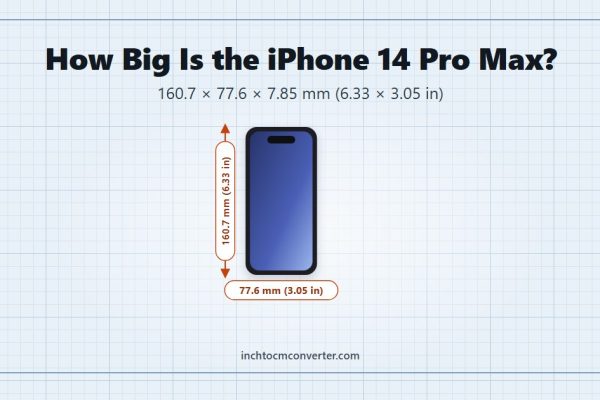
iPhone 14 Pro Max Size: Dimensions in Inches, cm and Weight
The iPhone 14 Pro Max measures 6.33 inches tall and 3.05 inches wide -- noticeably bigger than the standard iPhone 12.
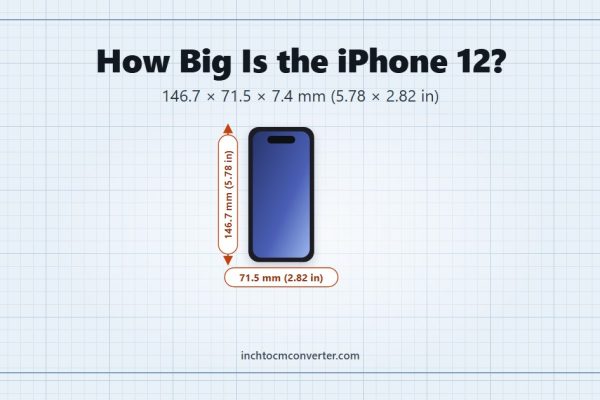
iPhone 12 Size: Dimensions in Inches, cm and Weight
The iPhone 12 measures 5.78 inches tall and 2.82 inches wide -- almost exactly the standard smartphone height.